- The Generative Path
- Posts
- Nano Banana Pro, Time Travel Portraits & Infographics in Seconds
Nano Banana Pro, Time Travel Portraits & Infographics in Seconds

Hello Friend,
Welcome back to the Generative Path, your weekly infusion of AI-powered creativity curated by ZenRobot to keep you ahead of the curve with the latest tools, trends, and techniques.
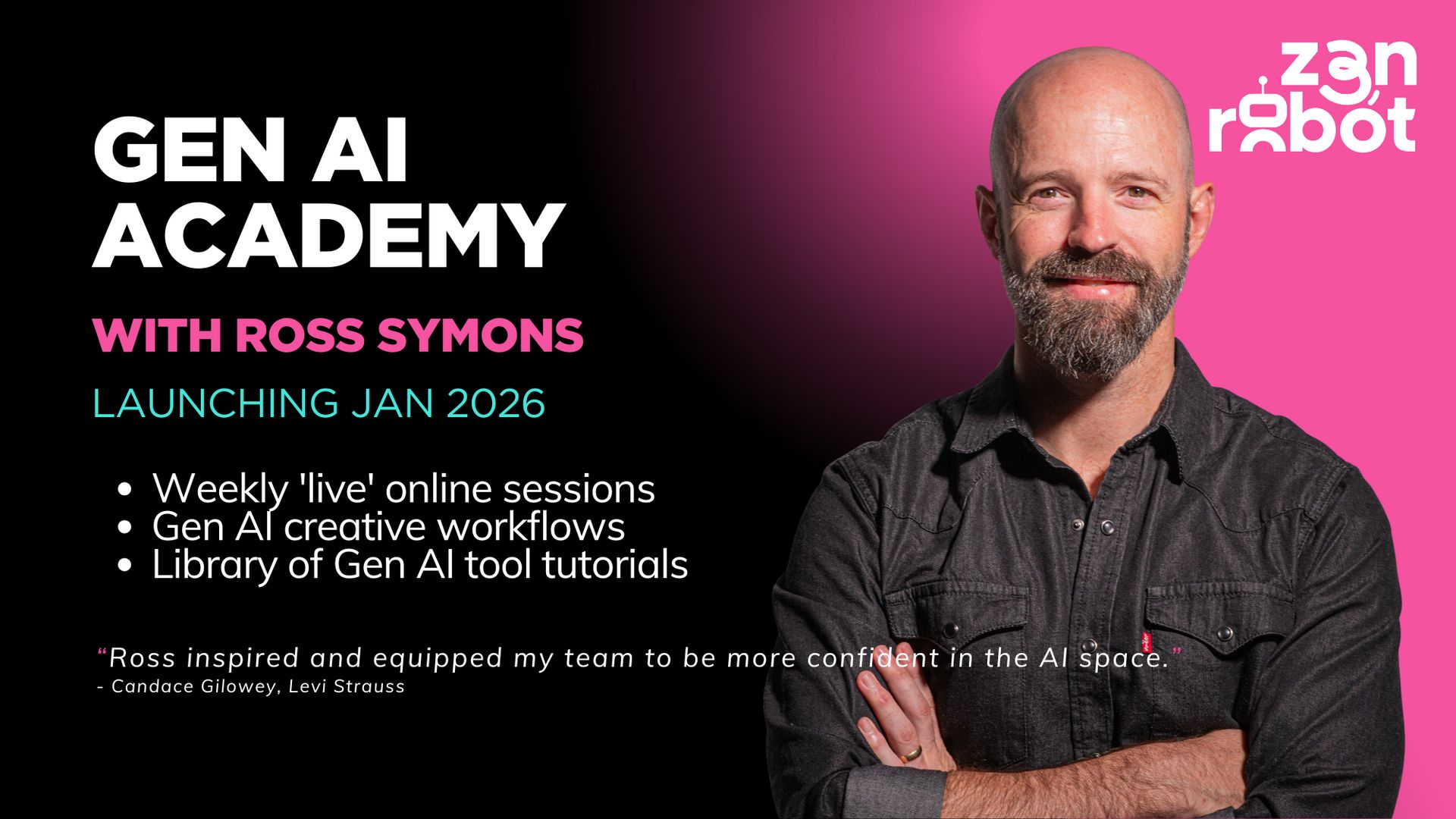
Here’s the latest! The Gen AI Academy is launching in January. See it as your subscription-based hub for mastering cutting-edge creative AI. Get weekly hands on lessons, unlimited how to videos and constant updates, everything you need to create standout work and stay ahead. Sign up now to receive updates so you do not miss your opportunity to join!
Back to normal programming… This week, we’re diving into one of the biggest upgrades in generative AI: Nano Banana Pro. We show you how to turn it into an infographic machine, explore a character-through-time trend, and spotlight Ursula Eysin’s creative AI approach. Plus: your weekly playlist and a new AI vs. reality challenge. Let’s get into it.
Feature of the Week: Nano Banana Pro
The new Nano Banana Pro is one of the most exciting developments in generative AI, and it’s now live worldwide as part of the Gemini 3 Pro rollout. Chatting to Nano Banana Pro gives you quick, clean, and adherent edits, making it one of the most flexible tools in the Gemini 3 lineup. It delivers sharp detail, stable structure, and consistent styling, which makes it ideal for campaigns, storyboards, and concept work.
Simply tell Gemini what you need, and it'll provide. Take note though that the model is not free. You can access it through Gemini or platforms like Weavy, Flora, Artlist, and ImagineArt. For creators, the strength of Nano Banana Pro is control. It produces intentional, reliable images across iterations, helping you move from idea to polished visual without losing coherence along the way.

Creative Hack: Nano Banana For Infographics
If you need clean, educational visuals fast, Nano Banana Pro is surprisingly good at generating vector style infographics straight from a prompt. You can describe the topic, the layout, and the level of detail, and it returns a structured graphic that looks presentation ready. Here is the simple workflow:
Start with a clear request. For example: Create a vector based infographic explaining how osmosis works. Include labeled diagrams, step by step flow, and simple icons
Specify the style. Ask for flat vectors, minimal colors, or a classroom friendly look. Nano Banana Pro responds well to constraints and produces consistent shapes and typography
Iterate in chat. You can tell it to simplify sections, add labels, change the color palette, or generate alternate layouts. Each revision stays aligned with your original idea
In minutes, you have a clean, editable infographic ready for slides, videos, blog posts, or social content. It is a fast way to turn complex ideas into visuals that teach themselves.

Community Spotlight: Ursula Eysin
Ursula Eysin brings a distinctive blend of storytelling, strategy, and future thinking to the world of creative AI. As the founder of Red Swan, she helps teams push beyond familiar ideas through scenario thinking and her Cre-AI-tivity framework, showing how AI can amplify human imagination.
With deep experience in marketing psychology, innovation, and communication, she also advises the European Commission, mentors startups, teaches Creative AI at universities, and hosts the Code Red podcast. She is worth following for her clear, practical perspective on how creativity and technology are shaping the future.

This Week’s Flow State: Colter Shaw Radio
Sink into the laid‑back sonic waves of Colter Shaw Radio on Spotify. Combining mellow grooves, subtle ambient layers, and relaxed rhythms, this playlist offers a calm and unobtrusive soundtrack perfect for focused work, quiet reflection, or just easing into your day. Whether you’re sketching ideas, writing, or letting your mind wander, let Colter Shaw’s chilled atmosphere carry you gently forward. Press play and drift into the flow.

AI Trend: Nano Banana - Through The Ages
This week we’re looking at, Nano Banana to place the same character into multiple decades while keeping their age and identity consistent. Only the clothing, styling, and environment change to match each era, making it an easy way to show how one character would look across different points in time.
Prompt used by Chris Branch: Make a 4×4 grid starting with the 1880s. In each section, I should appear styled according to that decade (clothing, hairstyle, facial hair, accessories). Use colors, background, and film style accordingly.

AI vs. Reality: Can You Tell the Difference?
This week, we’ve got a brand-new pair of images to test your perception again. Think you can tell which is AI-made and which is the real deal? Take your guess and we’ll reveal the answer in the next issue!


Last week, we kicked off our AI vs. Reality face-off with scenic mountains, and now for the moment of truth, if you guessed the right one was the real deal, you got it right. The left image was created with Midjourney.

Join the Conversation! AI is constantly evolving, unlocking new creative possibilities every day. What caught your attention this week? Hit reply and let us know. We’d love to hear from you.
Follow ZenRobot for more AI insights, and if you found this interesting, share it with someone who would too.
What did you think of today’s email? 🤖 ZenRobot wants to learn from you! |